COMPARISON · APPS
Apps for clothing photos: kiki, Vintapp, Photoroom and others.
What the apps can do for second-hand sellers, how they charge and who they suit.
We are kiki, so we are not neutral. That’s why the criteria are out in the open. Information about other apps comes from their own descriptions in the App Store, on their websites and on Product Hunt, as of October 2026.
In short
For second-hand sellers there are apps that improve photos and show clothes on AI models, and apps that write listing texts. Many now do both. Photoroom is strong at removing backgrounds, Vintapp also fills in the Vinted form, PreLoved AI started from the listing text. Which one fits depends on what you’re missing.
Comparison
| Comparison | 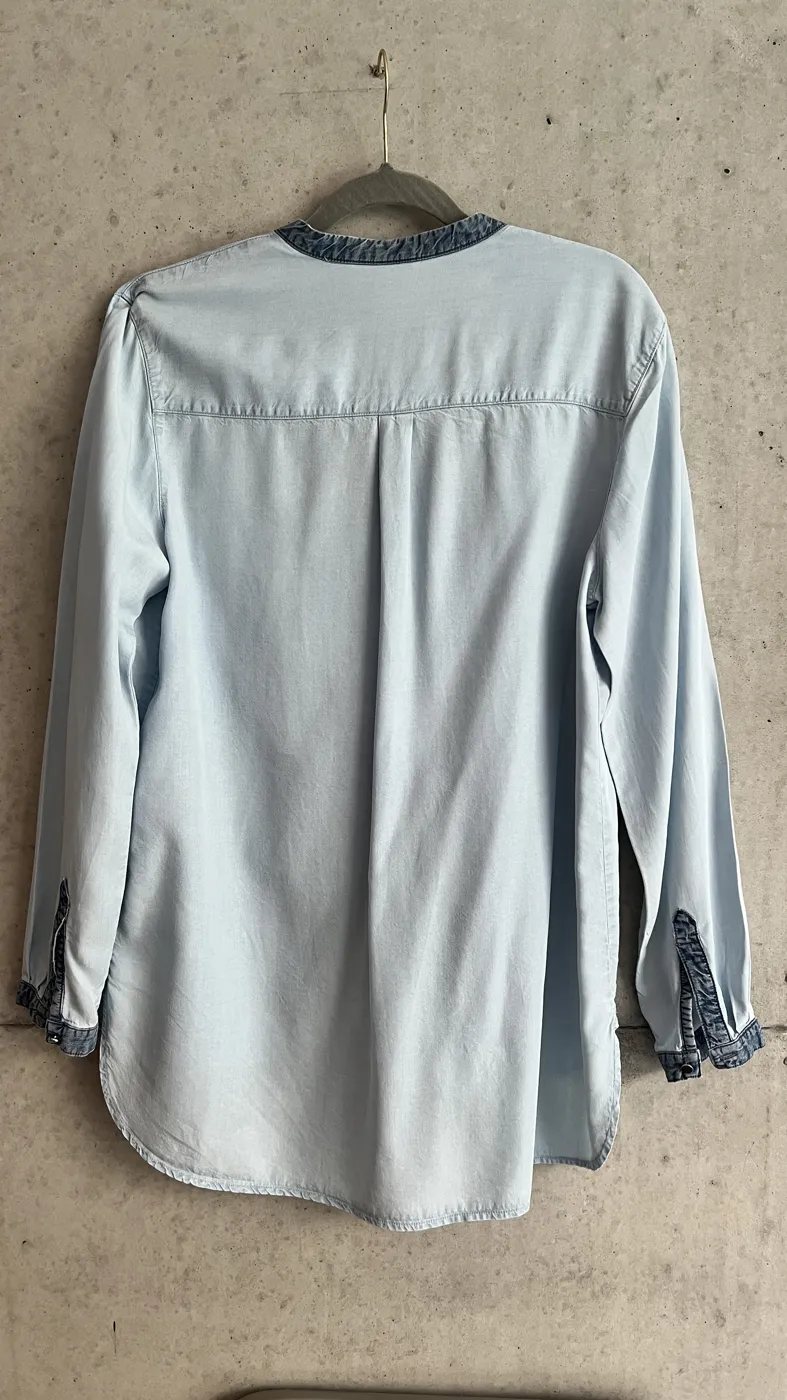 Photoroom Photoroom | 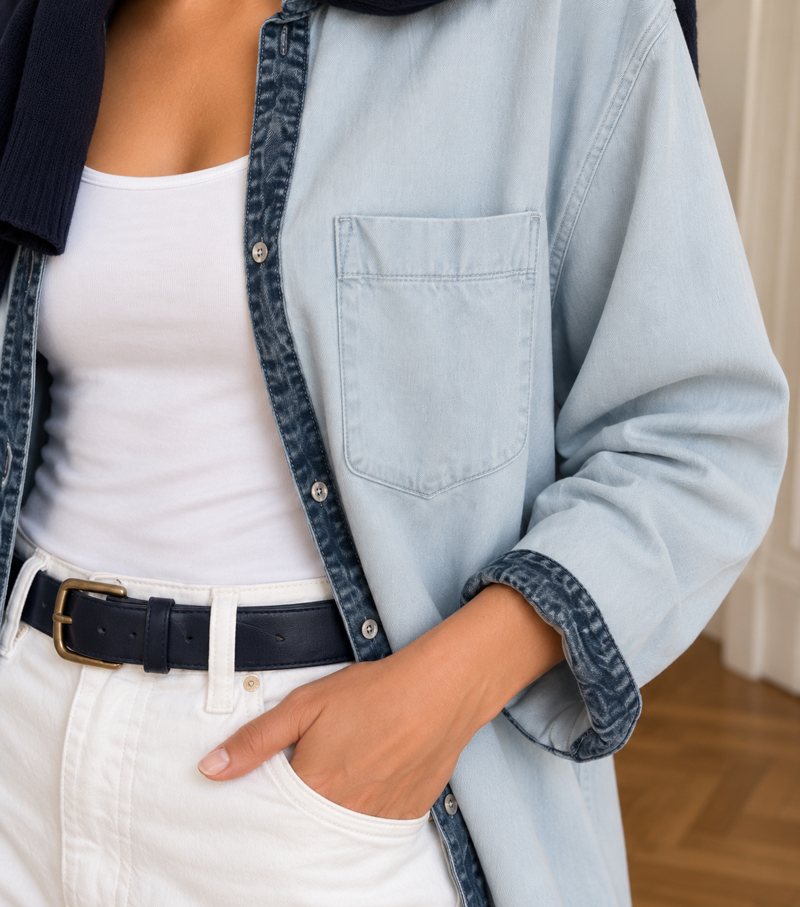 Vintapp Vintapp | 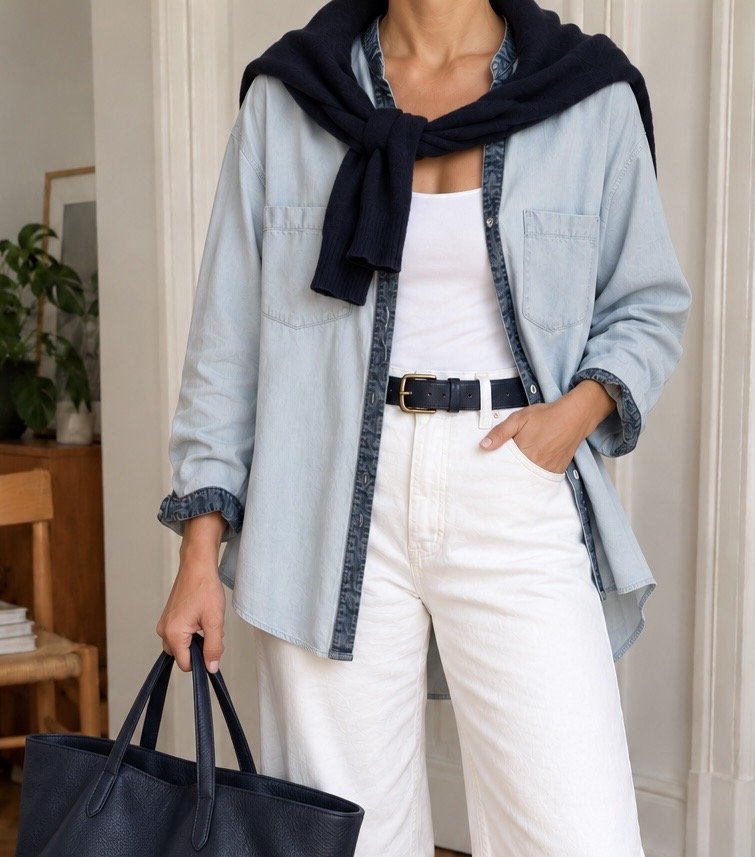 ClosetClear ClosetClear | 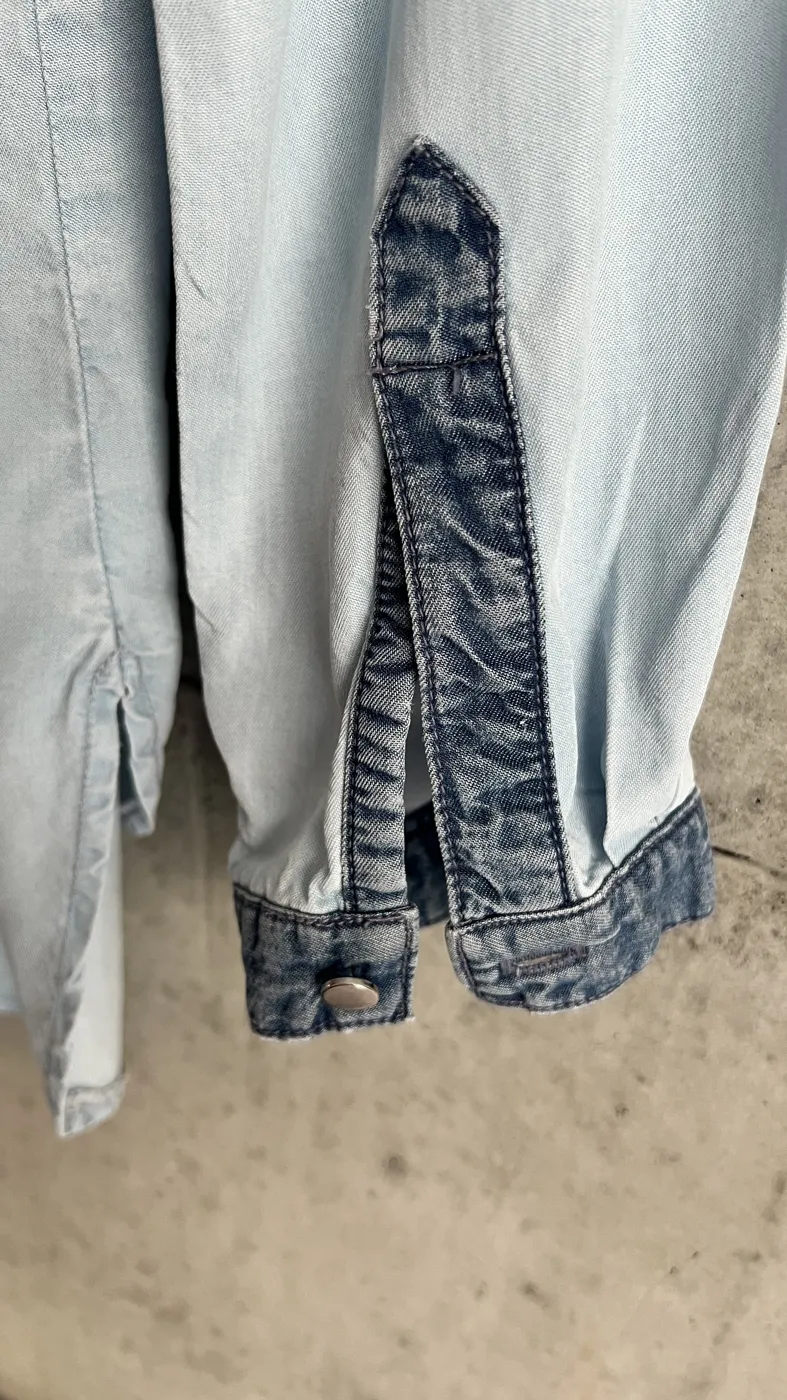 PreLoved AI PreLoved AI | 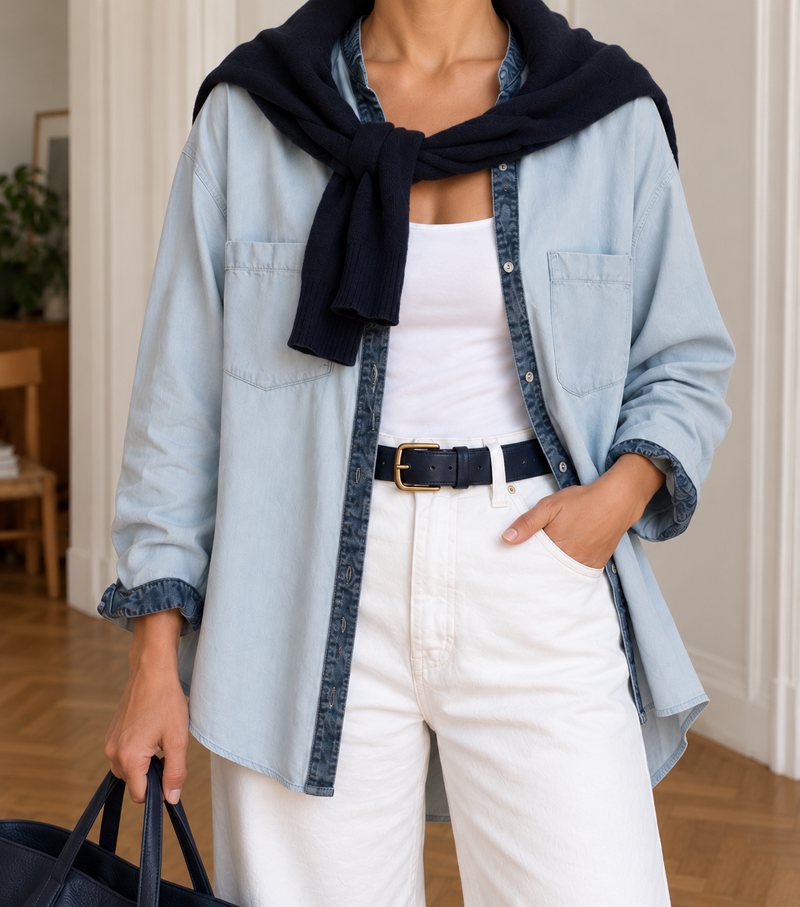 kiki kiki |
|---|---|---|---|---|---|
| Worn images | Yes, AI fashion models | Yes, AI model, bust or hanger | Yes, AI try-on photos | Yes, virtual model | Yes, 4 views |
| Listing text | Yes, product descriptions (for Shopify) | Yes, with a price suggestion | Yes | Yes, with hashtags | Yes, 3 tones |
| Fills in the Vinted form | not stated | Yes, you tap “Upload” yourself | not stated | Copy and paste | Copy and paste |
| Platform | iOS and web | iOS | Web | iOS | iOS |
| Pricing model | Free download, Pro or Max subscription | First listing free, then subscription or pack | €0 / €9 / €19 a month | 1 listing a month free, then subscription | First try-on free, then packs or a subscription; charged per item |
| Sign-up before the first result | Yes | not stated | Yes | not stated | No |
The images are sample images, not screenshots of the apps. Information from the providers’ App Store pages, websites and Product Hunt, as of October 2026 (accessed 25 October 2026). ClosetClear’s prices are listed in euros. “not stated”: the public descriptions say nothing about it.
Which app suits whom?
- You mainly want clean backgrounds and edit lots of product photos: Photoroom.
- You sell on Vinted and want the app to fill in the form for you: Vintapp.
- You mainly want the listing text and to try it for free first: PreLoved AI.
- You prefer working in the browser to using an app: ClosetClear.
- You want four views on an AI-generated person without a face, styling suggestions and the text, with no account needed to try it: kiki.
Glossary
- AI try-on image
- A worn image generated with artificial intelligence from a real photo of the item. It should be labelled as such.
- Ghost mannequin
- A photo on a dummy that is then retouched out. The item looks as if it holds its shape by itself.
- Labelling
- A note that an image was made with AI, visible in the image or text and machine-readable in the file.
- Cover photo
- The first photo of a listing. It’s the image buyers see first in the feed.
Frequently asked questions
Which app is best for Vinted photos?
That depends on what you’re missing: background, worn image or text. The table shows who does what.
Are AI photos from these apps allowed on Vinted?
What applies on Vinted is in Vinted’s catalogue rules. More on this: Are AI images allowed on Vinted? Our recommendation: the AI image first, your original photos right behind it.
Do I need a subscription?
Not necessarily. Most apps let you try them for free and then charge through subscriptions or packs. The details are in the “Pricing model” row.
Sources
- Photoroom on the App Store (UK), accessed 25 October 2026
- Photoroom: Pricing and plans, accessed 25 October 2026
- Photoroom Help Centre: Create a new Photoroom account (12 January 2026)
- Vintapp on the App Store (UK), version 1.2.3, accessed 25 October 2026
- Vintapp on Product Hunt, accessed 25 October 2026
- ClosetClear: website, accessed 25 October 2026
- ClosetClear on TrustMRR (prices), accessed 25 October 2026
- PreLoved AI on the App Store (UK), version 1.9.39, accessed 25 October 2026
- Vinted: Catalogue rules